- Log into PAR POS
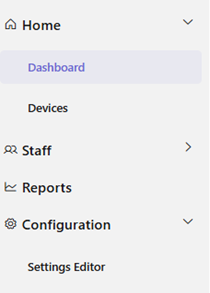
- Navigate to Settings Editor
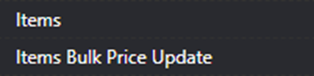
- Locate “Items Bulk Price Update”.
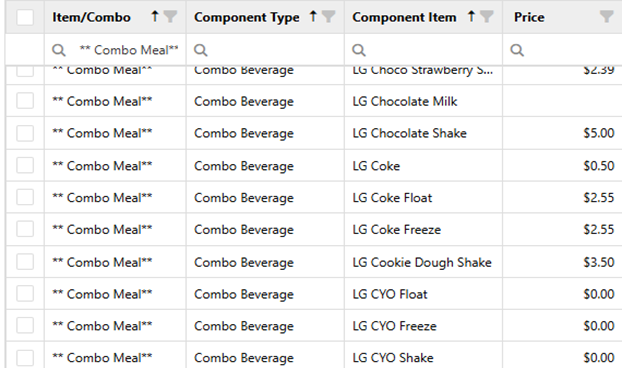
- In the “Item/Combo” section, search for ** Combo Meal**

- Combo Beverage will show ALL options available in combos. Price the items you have in the price column.
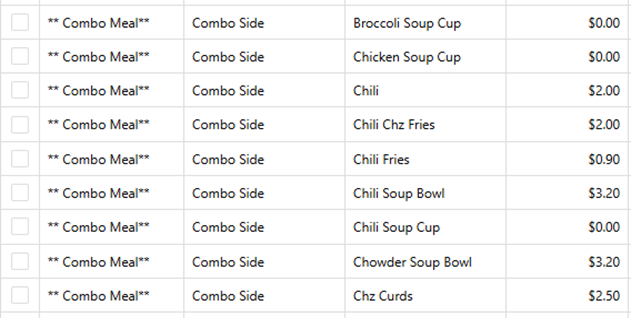
- Combo Side will show ALL items available in combos. Price the sides you offer.
- Save and Publish your pricing.

- Repeat Steps for Kids’ Meal/ Mini Meal/Value Meal/ Family Packs/ OR any other Combo type you offer.
Kid’s Meals:
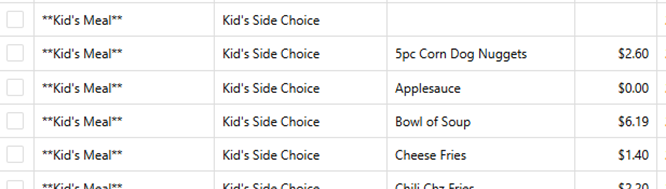
- Search for **Kid’s Meal**
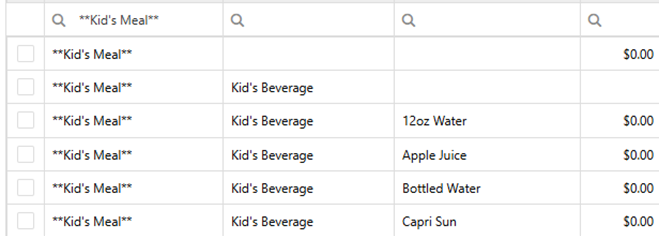
- Navigate through the different items offered and price them accordingly.
Mini Meals:
- Search for **Mini Meals**
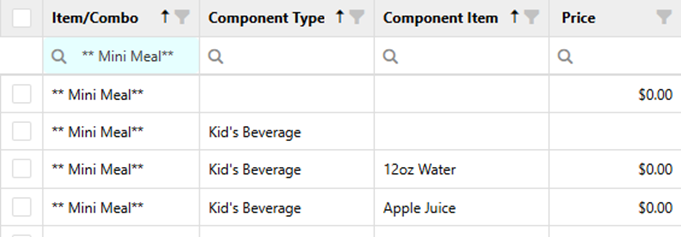
- Navigate through the different items offered and price them accordingly.
Value Meals:
- Search for **Value Meal **
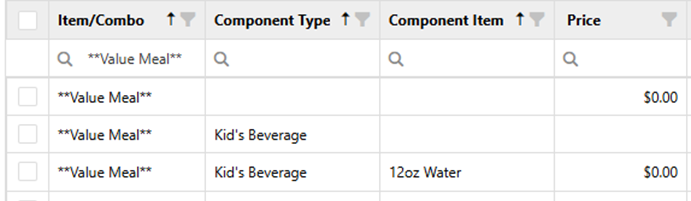
- Navigate through the different items offered and price them accordingly.
Family Packs:
- Search for Family Pack
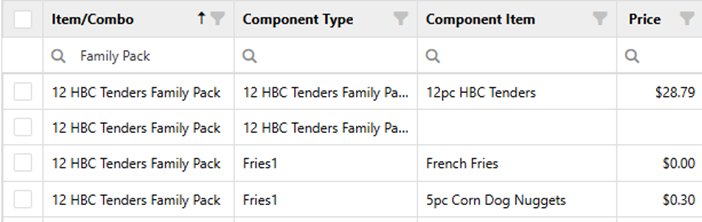
- 12HBC Tenders
- Cheeseburger Family Pack
- Coney Dog Family Pack
- 50pc Corn Dog Nuggets
- 25pc Corn Dog Nuggets
- Each Family Pack has 4 sides and a gallon drink.
**Any other combo types your location offers, simply search for that type of combo and price everything accordingly. **
Was this article helpful?
That’s Great!
Thank you for your feedback
Sorry! We couldn't be helpful
Thank you for your feedback
Feedback sent
We appreciate your effort and will try to fix the article